
- DATE:
- AUTHOR:
- The AIQ team
AIQ Product Updates for February 10, 2026
 New Features
 Brand Analytics
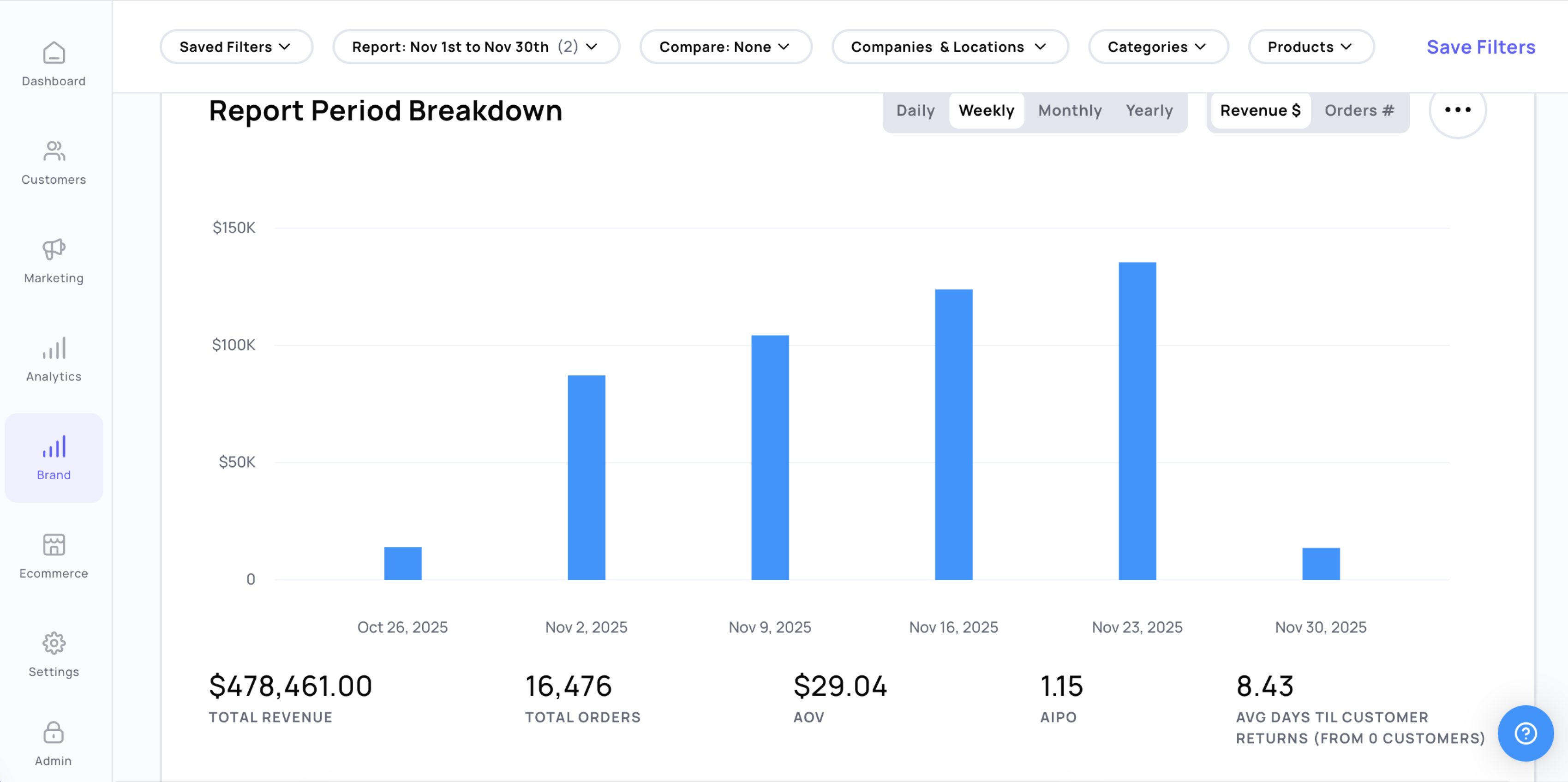
We’ve refreshed the look and feel of Brand Analytics and introduced several enhancements to make insights easier to find, faster to load, and simpler to compare, including:
Smarter (+ more) alias mapping: Brands can now assign aliases more easily across products, brands, and categories, helping to keep reporting consistent and accurate.
More powerful filtering: Drill into your data with improved filtering options, including:
A unified date and audience picker
Per-table and per-chart filters for more granular analysis
Clearer, more intentional visualizations: Updated charts and tables across all sections, a more intentional color system with fewer colors and clearer emphasis, and improved scaling where possible for better readability
Faster load times: Analytics data is now cached and loaded on landing, so insights are available immediately when you open the page
Cleaner data organization: Nested data is now displayed in drawers instead of collapsible tables
Improved comparison reporting: Comparing performance across brands, timeframes, or audiences is now more intuitive and easier to interpret.

 Ecommerce Product Tags
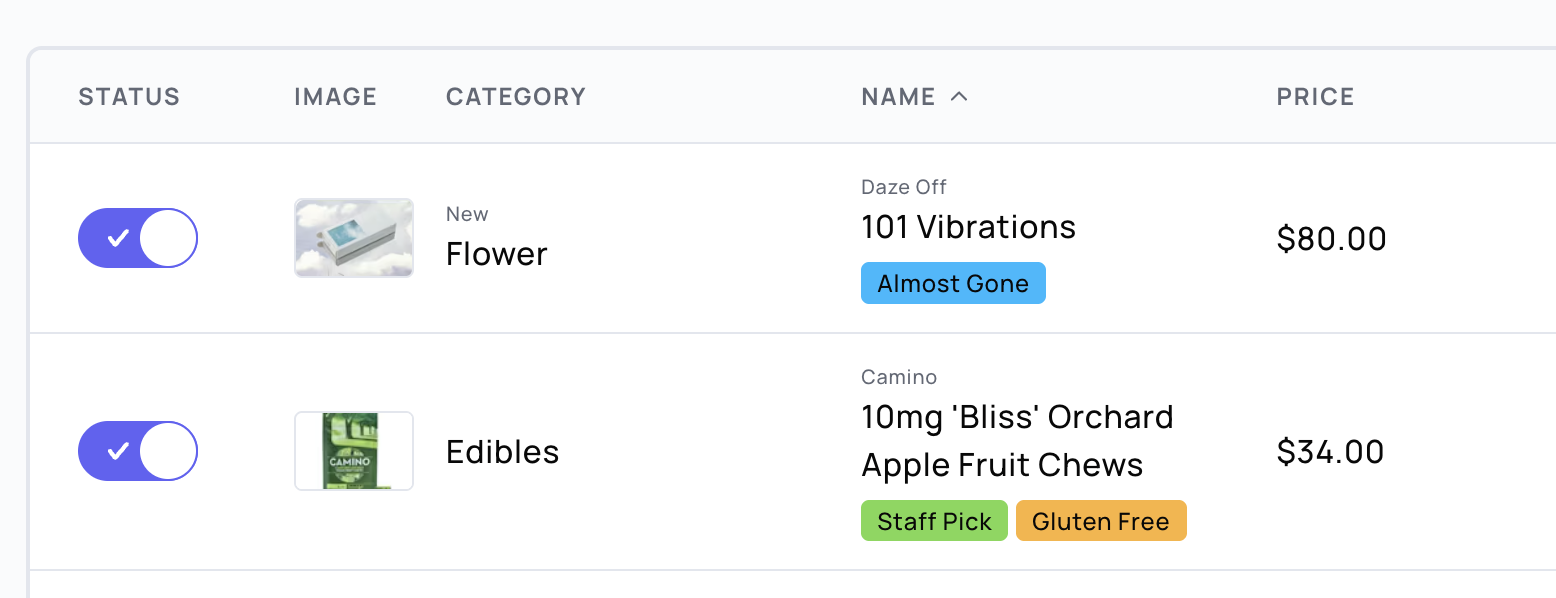
Product tags add an extra layer of menu organization by letting you assign custom tags to each product.
Create and manage tags: Tags can be added manually or sync pre-existing tags from your POS (we currently sync from DutchiePOS, POSaBIT, and Flowhub)
Menu organization: use a tags filter when creating offers and categories to highlight or discount specific products even quicker
API updates: tags can be called directly from our API (see more in our API docs here). Additionally, this can be used for AIQ Ecommerce custom builds via Blueprint.
 Optimizations
[Ecom] The AIQ Pixel is now automatically included on all AIQ Ecommerce menus, enabling popup Signup Forms, popup Surveys, and the New Terpli widget (new only, coming soon) to trigger without any additional code setup.
Note: If these appear on pages where they’re not desired, you can set them to inactive or use URL targeting [Targeting How to] to exclude menu URLs [more info].
[Settings - Loyalty]: Updated with our new design for a cleaner, more consistent experience. In addition, select settings that were previously restricted behind admin-only toggles are now available as self-serve options for permitted roles.
 Integrations
[Flowhub] [POSaBIT] [DutchiePOS] AIQ Ecommerce syncs product tags from these integrations. See above for more info.
 Bugs
Bugs
[Audiences] Fixed an issue where
total_spent_as_memberin audience exports could be inflated by including tax, causing totals to differ from in-platform loyalty spend. Exports now align with the platform’s points-eligible (tax-excluded) member spend calculations.[Biotrack] Fixed an issue where Biotrack categories were showing as "general". You will now see accurate category data pulled directly from Biotrack.
[Marketing] Fixed an issue where duplicating a campaign with a date range caused the start time to revert to the original campaign’s start date after saving changes.
[Ecom] Fixed an issue with POSaBIT where we were syncing the ready for pickup status on delivery orders.